Connect Vibe Seller to Hermes Agent
Once it's connected, you can ask Hermes to create Vibe Seller tasks, follow their progress and answer their questions.
Two things to get ready first:
- An API key — see First: create an API key. Right after you create it, the dialog shows your server address and a ready-made Hermes config;
- Hermes Agent itself, installed by following the official installation guide.
Connect
-
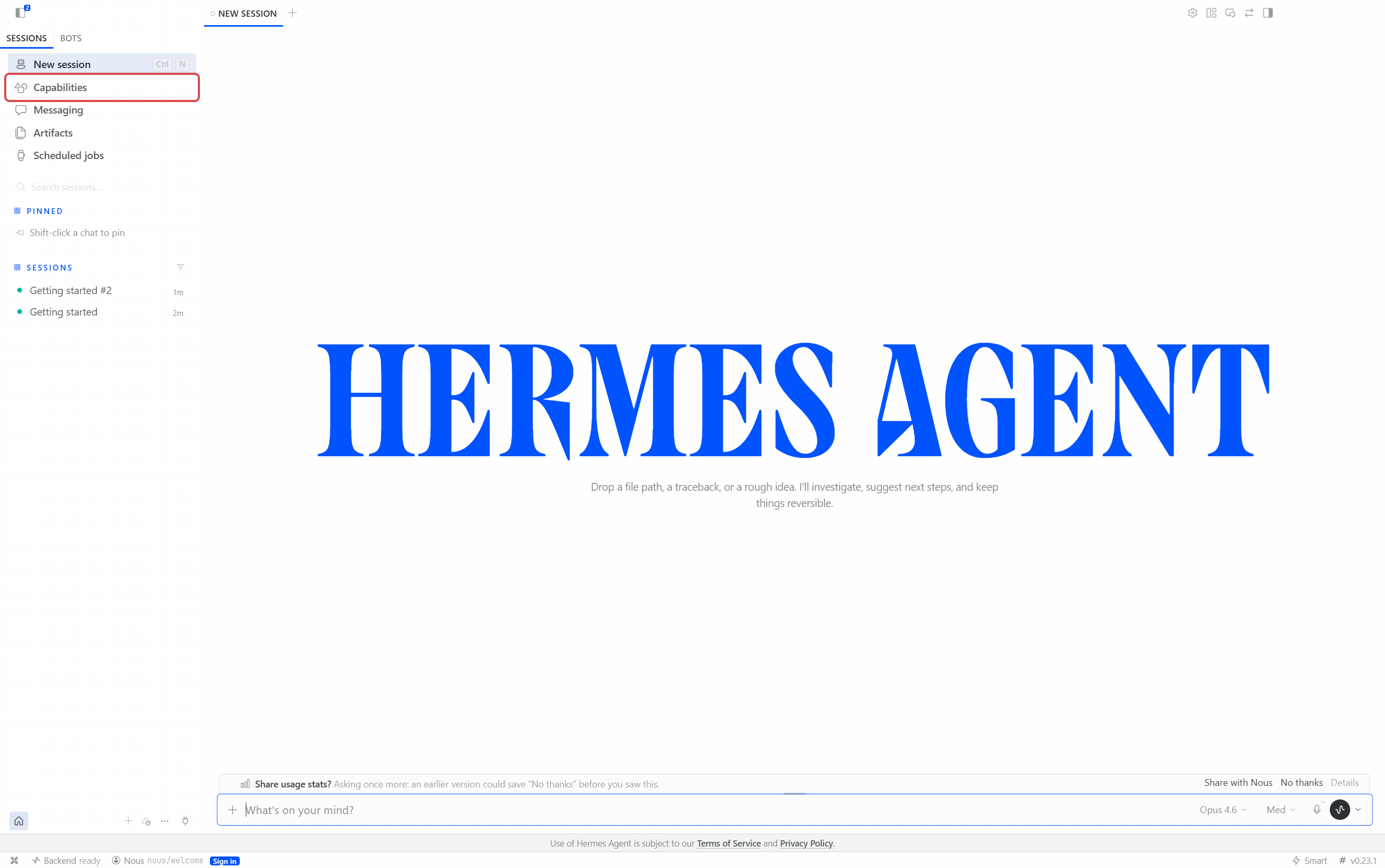
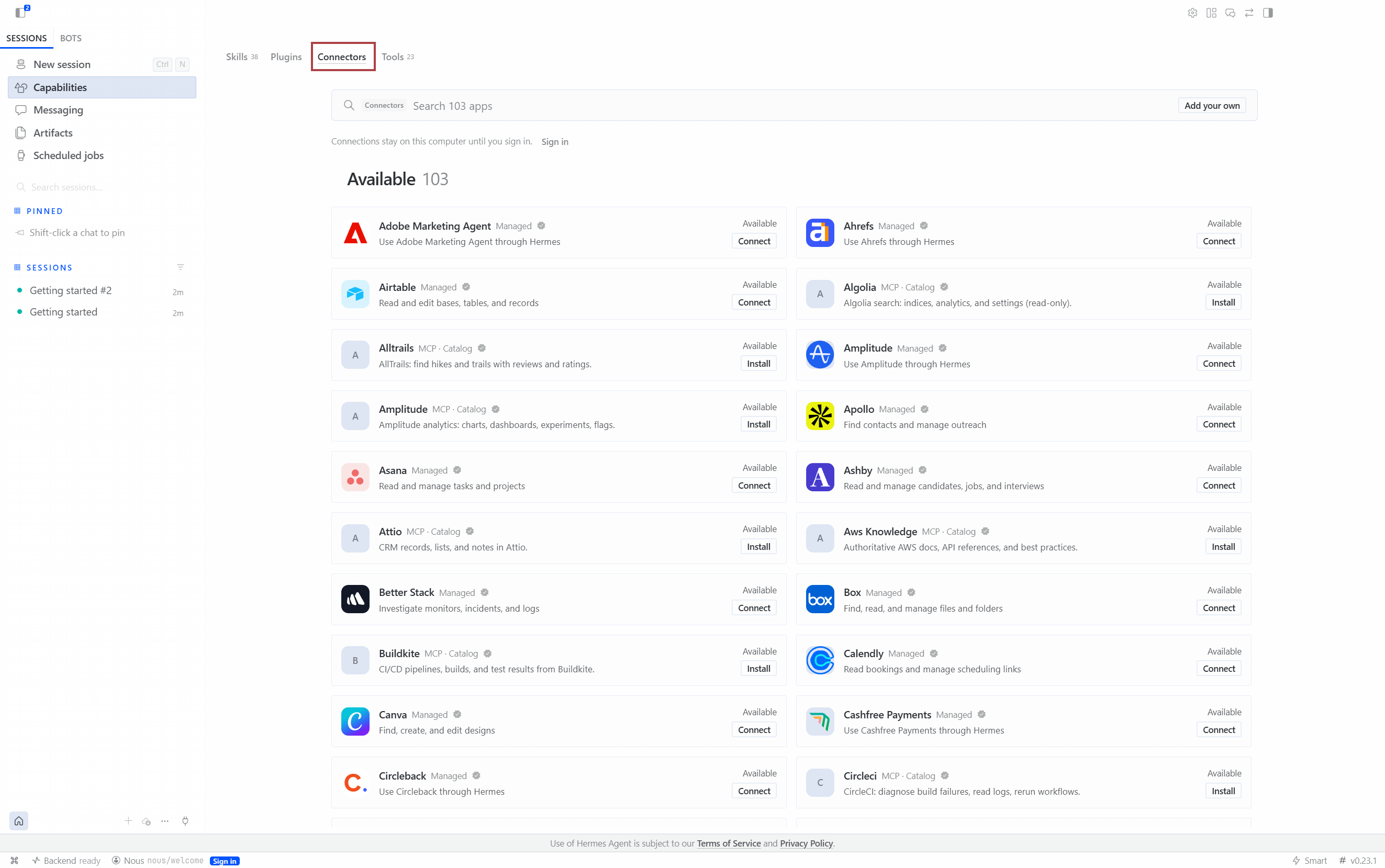
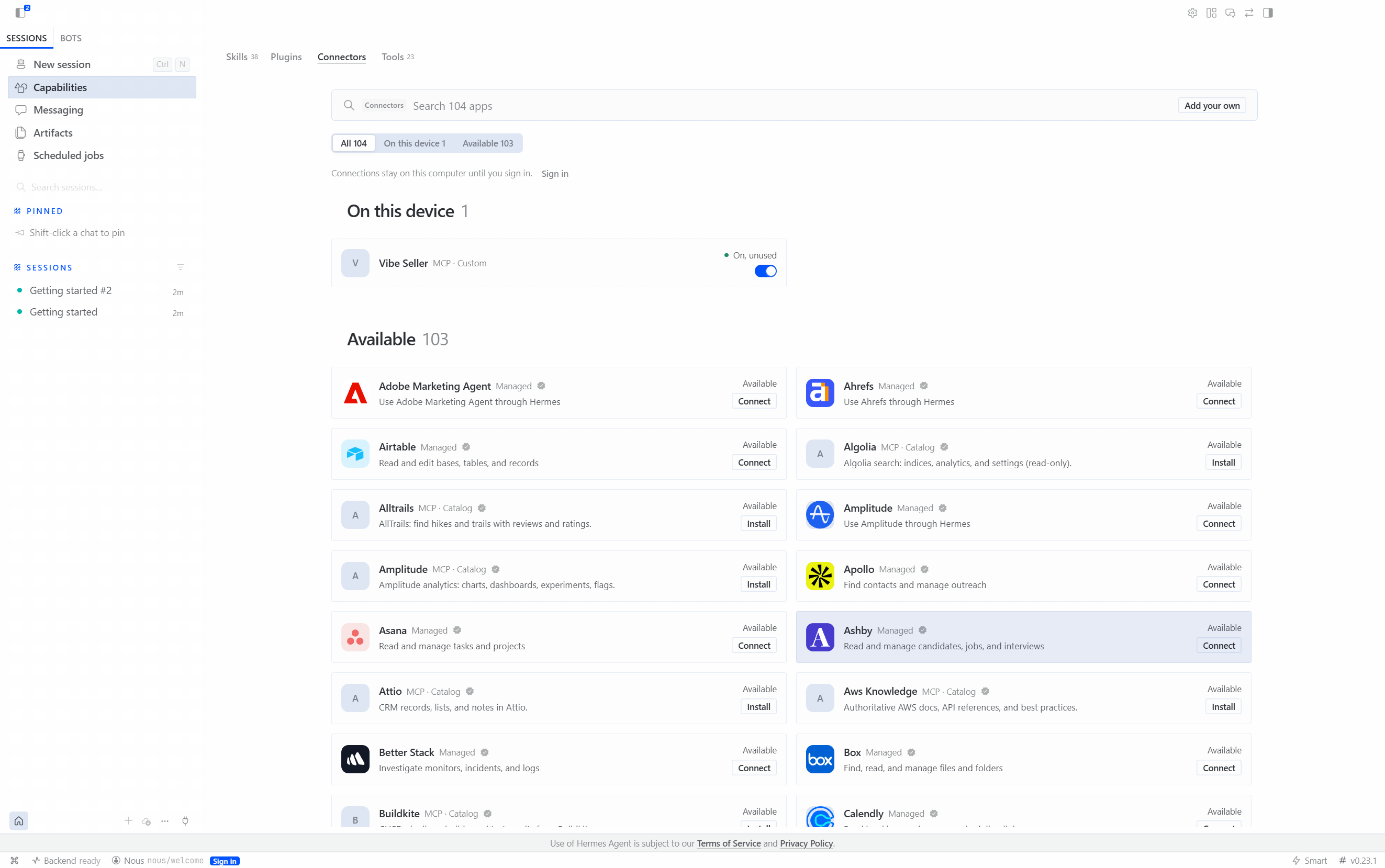
Open Capabilities in the left column and switch to the Connectors tab.
-
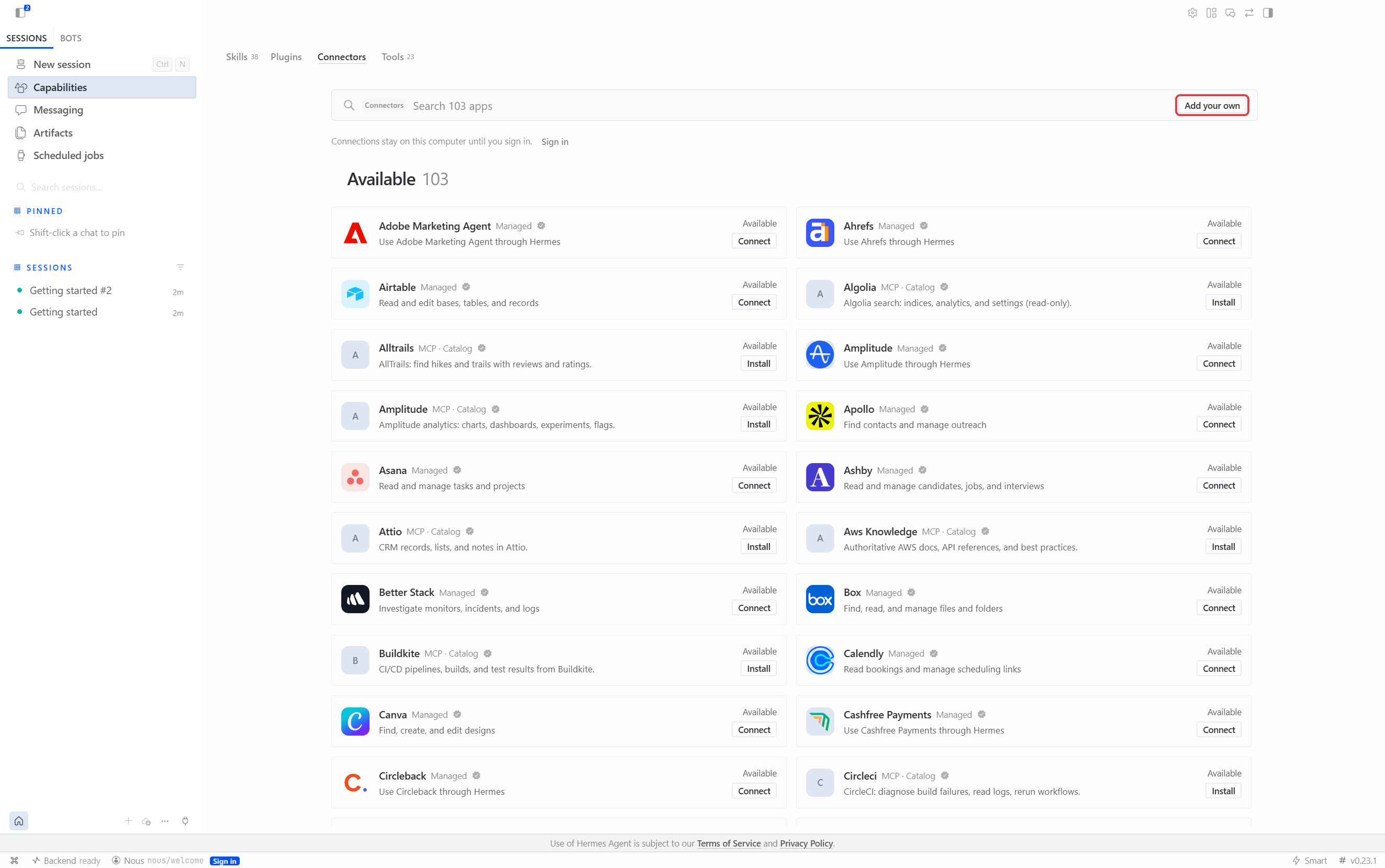
Click Add your own at the top right.
-
Copy the JSON from the dialog's In the app tab and paste it into Paste a command or a snippet at the top of the dialog. The name, type (Streamable HTTP), URL and header fill themselves in — check them, then click Save.
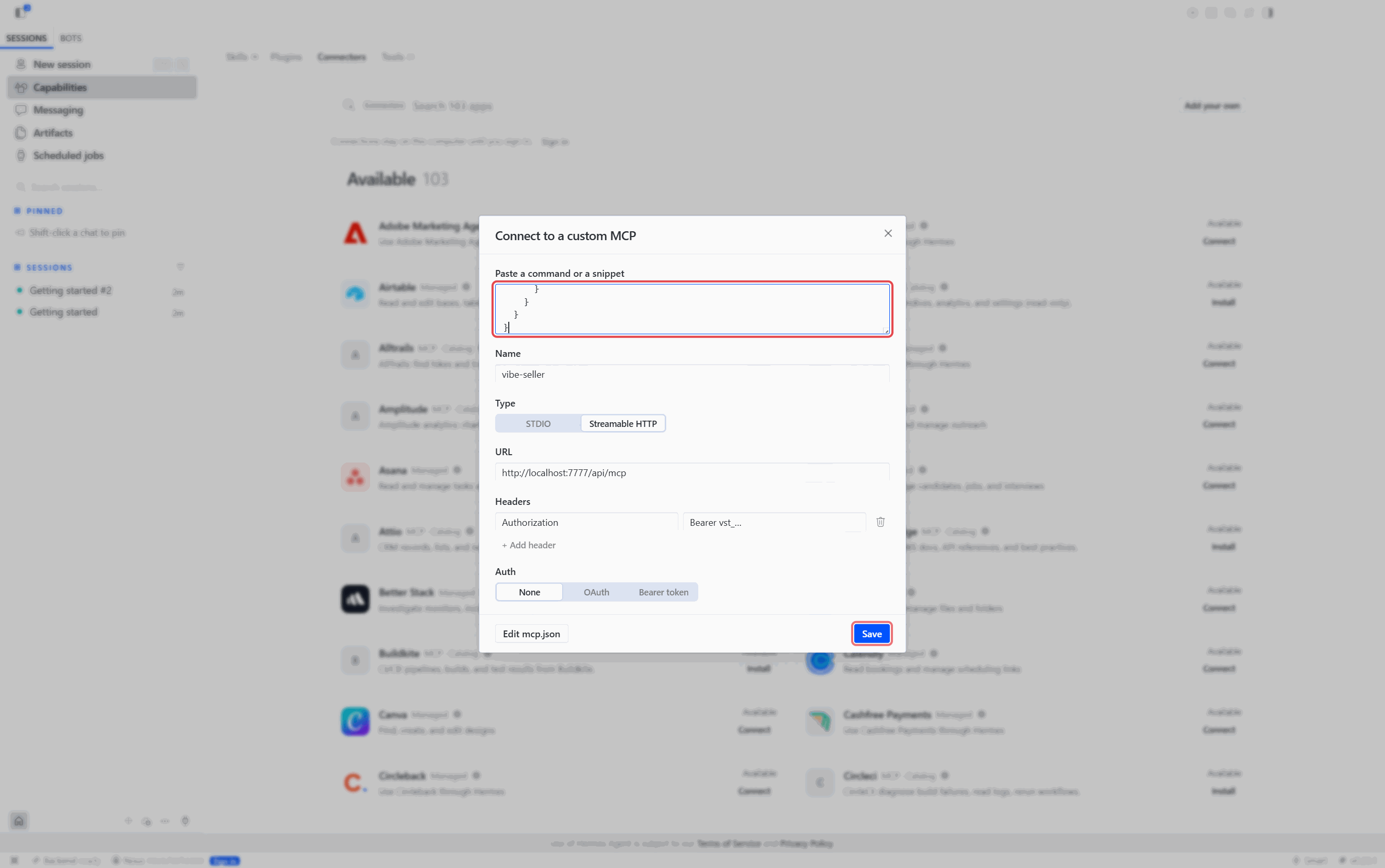
This box only takes JSON
The YAML block from the Command line / config file tab is not recognised here: every field lands empty and the type stays on STDIO. That one belongs in the file.
-
Save, and the connector appears under On this device.
The file is ~/.hermes/config.yaml, under the mcp_servers key — on a
native Windows install it is %LOCALAPPDATA%\hermes\config.yaml. Add the
block from the dialog's Command line / config file tab; if the file
already has mcp_servers:, put just the vibe-seller: entry under it.
Save, then run /reload-mcp in a Hermes session, or restart Hermes. The
block looks like this:
mcp_servers:
  vibe-seller:
    # Connects to this machine; if Vibe Seller runs elsewhere, use its address instead of localhost
    url: "http://localhost:7777/api/mcp"
    headers:
      Authorization: "Bearer vst_…"
Check it works
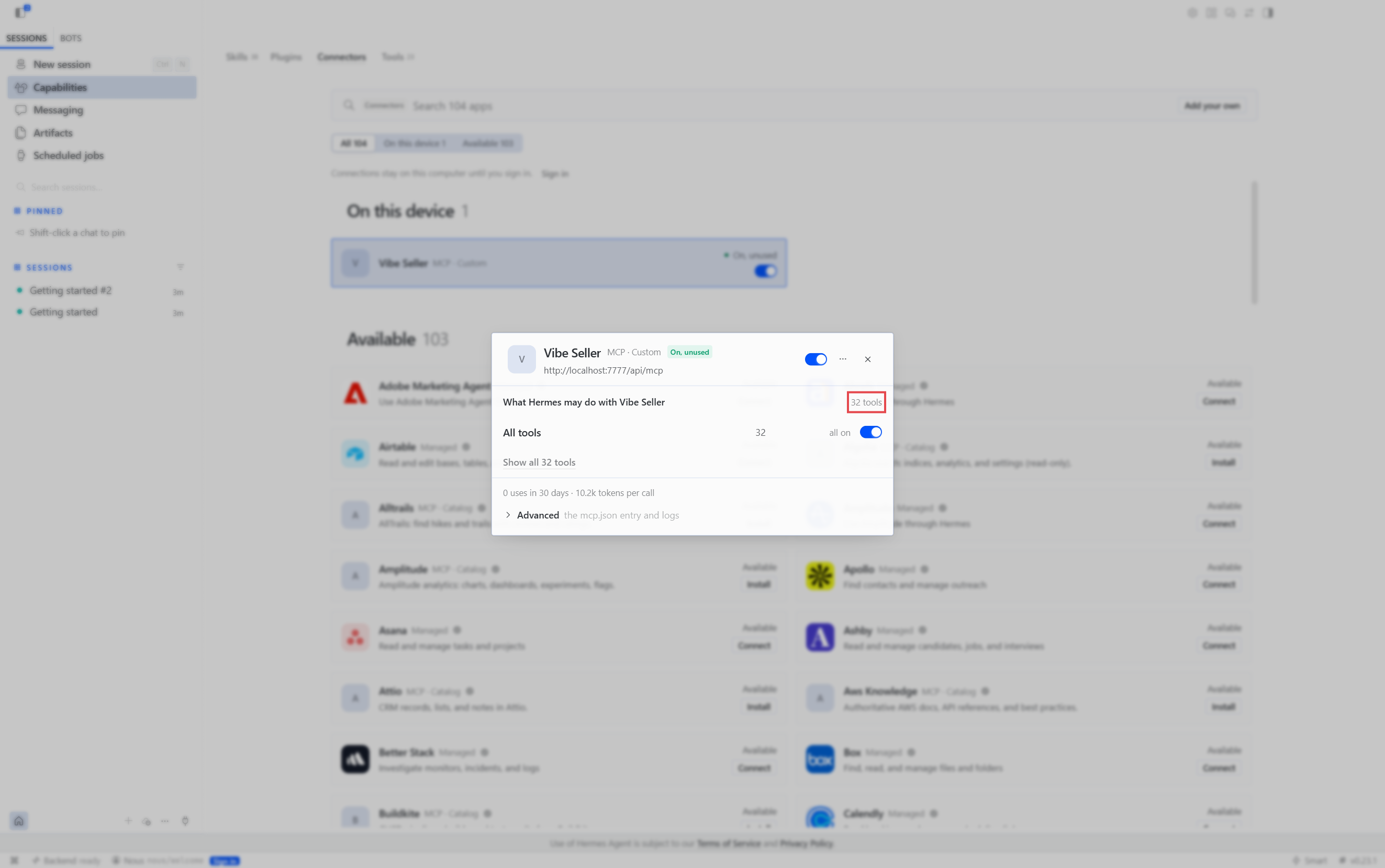
Start a new chat and ask how many stores are in vibe-seller right now?. If it names your stores, you're connected. Before you have a model configured, open the Vibe Seller card: the details show the right URL and all 32 tools on, which means the connection works.
Change or remove
The card's "…" menu has no delete — only refresh tools and opening the
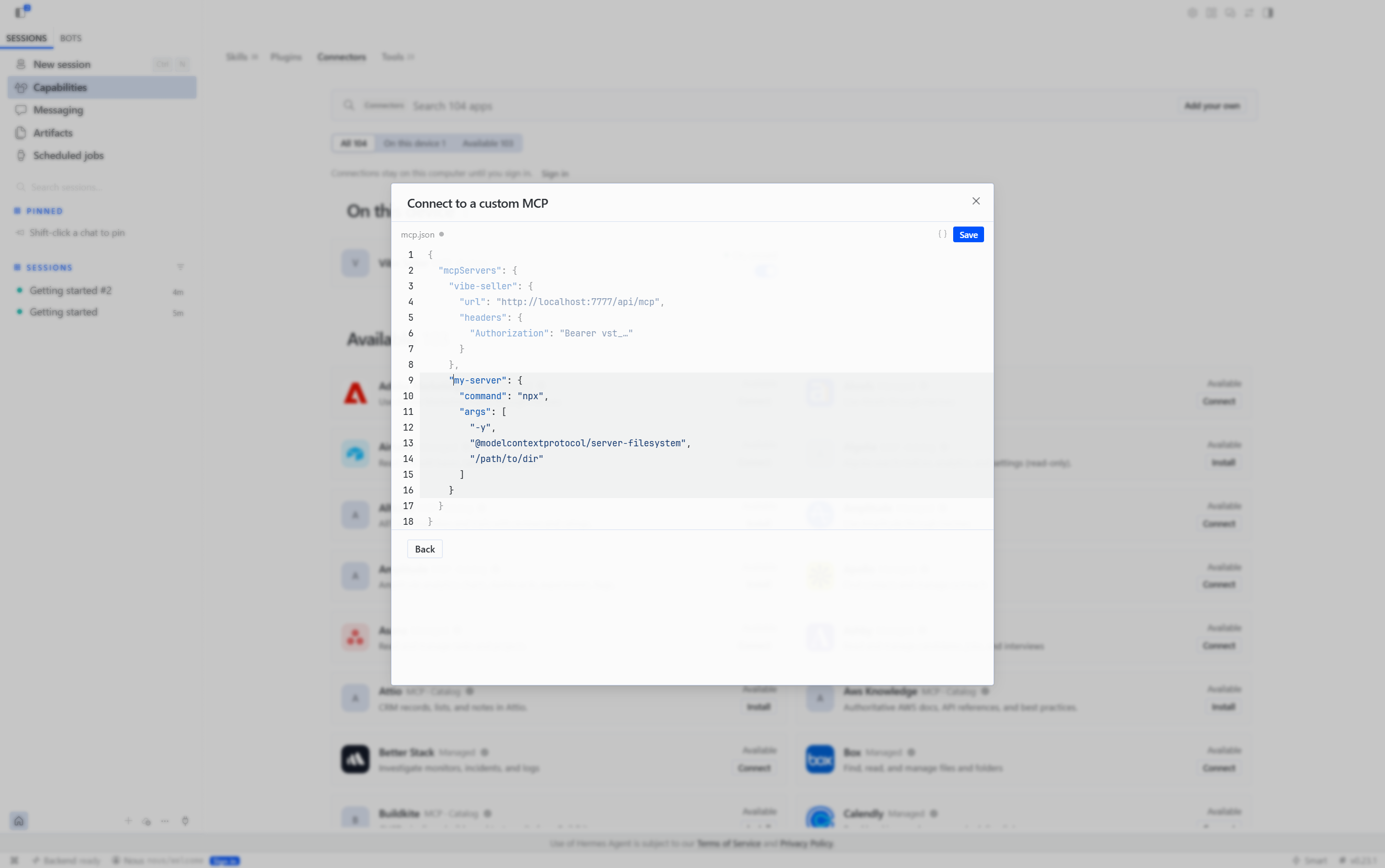
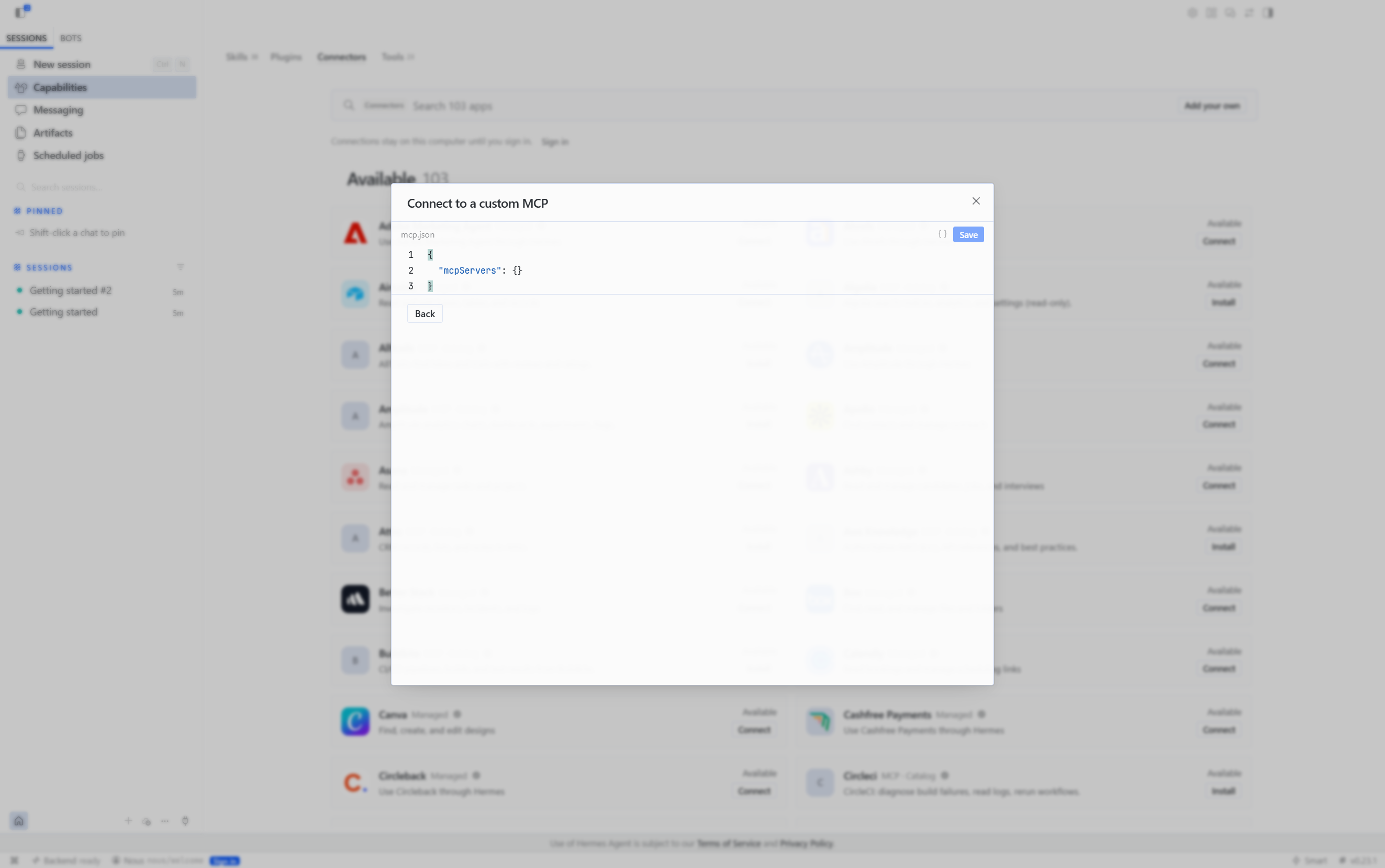
connector admin. To change or remove the entry, click Add your own again
→ Edit mcp.json, edit the vibe-seller entry in the editor, and delete it
plus Save to remove the server.
Next
See What you can ask for what to say once you're connected, and Examples for full walkthroughs.